Owned audience · 4 min
Why creators need their own website, and what to put on it
In one minute
A creator website on your own domain does what link-in-bio pages cannot, and those have been switched off overnight before. Why it matters, the five pages it needs, and how to keep it safe for search.
You will learn
- The short answer
- Link-in-bio pages are rented too
- The five pages to build
- Technical basics that keep it safe
- Making it work for search and AI
- Domains and hosting that allow adult creators
- Age checks on your own site
- A mailing list with consent
- Analytics without overreach
- Monthly upkeep
- Pages to leave out
- Your site and AI assistants
- When a platform account is suspended
- Building it yourself or with help
- A one-page start
- Read next
- References
Updated by the FanGrowthLab team
The short answer
Every platform you post on can change its rules, limit your reach or close your account, and so can the link-in-bio page that ties them together. A small website on your own domain is the one place that stays yours. It ranks for your name, links to every platform, gives AI tools a clear source about you, and keeps working if anything else disappears.
Link-in-bio pages are rented too
Link-in-bio services feel like your own page, but they sit under someone else's rules. In 2021, Linktree removed a wave of adult creators' pages with little warning, saying the accounts had broken its community standards. Its guidelines already required linked adult content to be legal and labeled as sensitive, and everything on the page itself to be suitable for all ages.
Those rules are not unreasonable, and many creators still use these services without trouble. The point is simply that a page you do not own can vanish on someone else's decision, taking every link in your bios with it. A site on your own domain is a backup that can also rank, which a link-in-bio page rarely does.
The five pages to build
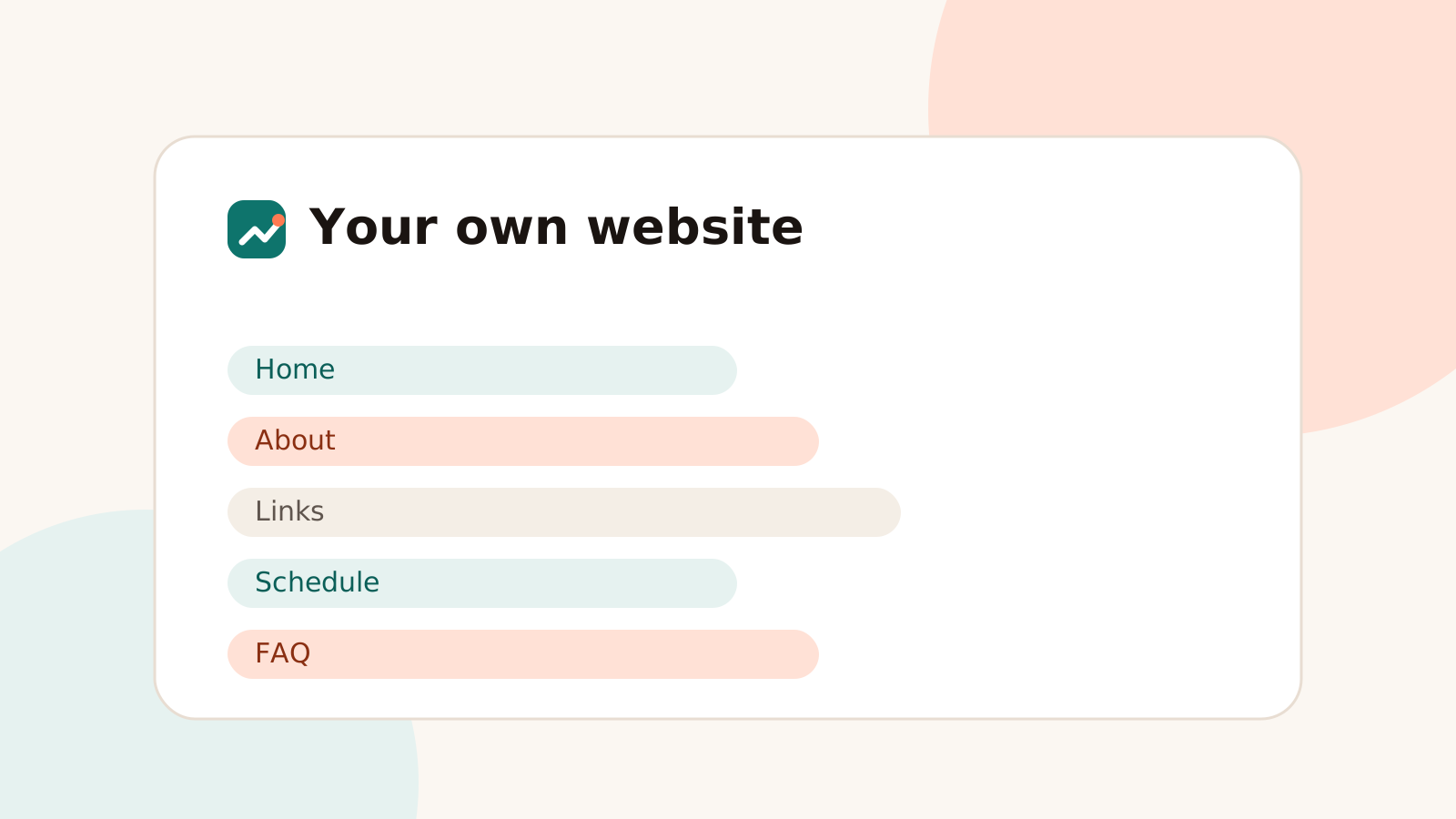
| Page | What goes on it | Why it matters |
|---|---|---|
| Home | Your creator name, one line on what you make, safe preview images, links to your paid pages | The page that should rank first for your name |
| About | A few plain sentences: what you create, since when, where you post | The source search engines and AI tools describe you from |
| Links | Every real profile, clearly labeled, with a note on which is newest | Sends fans from old or copied profiles to the real ones |
| Schedule | When you post or go live, in a time zone fans can read | Answers the "when" searches no platform profile does |
| FAQ | Pricing, what subscribers get, how to request something | Removes doubts before someone subscribes |
Write everything as real text rather than inside images. Search engines and AI tools read text; they mostly skip words baked into graphics.
Technical basics that keep it safe
- Domain in your creator name, registered with privacy protection and a work-only email, never your legal name.
- Hosting that allows adult businesses in its terms, so your site is not removed without warning.
- Non-explicit content only. Safe previews, no paid material. It keeps the site visible in more searches and away from laws aimed at explicit sites, such as the age-verification laws several US states now enforce.
- Fast and simple. A small site built with a basic site builder or static pages loads quickly on phones, which is where most fans arrive.
- Clean images. Remove location data from photos before uploading, and never reuse pictures from personal accounts.
Whether any age-verification or record-keeping law applies to your site depends on where you and your visitors are and what the site shows. If in doubt, ask a lawyer before publishing anything more than safe previews.
Making it work for search and AI
A site only helps if search engines find it and connect it to you. Add it to Google Search Console and Bing Webmaster Tools, link to it from every profile, and link from it back to each profile. On the about page, markup naming you as a Person with your creator name, and sameAs links to your profiles, states the connection in a form machines read reliably.
The steps are laid out in our OnlyFans SEO guide, and the searches your site should win are mapped in creator branded search. If you would rather have it built and maintained for you, that is part of OnlyFans SEO.
Domains and hosting that allow adult creators
Some hosts and site builders do not allow adult content or links to it, even when the site itself is safe for work. Read the terms before building, register the domain with privacy protection, and keep the site on a host that states clearly what it allows. Moving later is possible but disruptive.
Age checks on your own site
A safe-for-work site with links to platforms usually needs no age verification. If you host explicit material yourself, laws such as the UK Online Safety Act and several US state laws require proper age checks for it, not a simple click-through. Most creators avoid this by keeping explicit content on the platforms, which handle verification.
A mailing list with consent
A list of fans who chose to hear from you is the one audience no platform can take away. Ask for consent clearly, use a provider that allows adult creators, keep subject lines discreet, and include an easy unsubscribe in every email. In the US, CAN-SPAM rules apply to commercial email.
Analytics without overreach
Simple analytics show which pages and links bring visitors. Choose a privacy-respecting tool, avoid collecting more than you need, and explain it in a short privacy notice. Fans of adult creators care about privacy as much as creators do.
Monthly upkeep
| Task | Time it takes (rough) |
|---|---|
| Update links and bio | Minutes |
| Check the name in search | Ten minutes |
| Look at visits by source | Ten minutes |
| Renew software or plugins | As needed |
Pages to leave out
Skip pages that add risk without value: detailed personal stories that could identify you, location-based pages, and anything explicit. A small site with five clear pages ranks better and is easier to keep safe than a large one.
Your site and AI assistants
When fans ask AI assistants about a creator, those tools look for clear, public, safe-for-work information. A short bio, official links and accurate facts on your own site give them the right answer to repeat, instead of a leak site or an old profile.
When a platform account is suspended
If a platform account is ever restricted, your site and mailing list are how fans find you again. Update the site the same day with where fans can follow you now, and email your list with consent. Creators without either can lose most of their audience overnight.
Building it yourself or with help
A simple site can be built in a weekend with a site builder that allows adult creators. Keep it small and fast. The OnlyFans SEO service covers setup if you would rather not, and creator traffic sources shows where the site fits among your channels.
A one-page start
If five pages feel like too much, start with one: name, short bio, official links. Add the others later as you need them.
Read next
Ranking the site for your name is covered in creator branded search, and the step-by-step setup in the OnlyFans SEO guide.
References
Follow the links for the original material, and check dates, since guidance is revised from time to time.
Creators also ask
How much does a creator website cost?
Very little: a domain name each year, and hosting that allows adult businesses in its terms. The real cost is a few hours to set it up and a few minutes each month to keep the schedule current.
Can I keep using a link-in-bio page too?
Yes. Put your own site at the top of it. If the link-in-bio service ever removes your page, your site and every link on it keep working.
Should my site show my paid content?
No. Keep it non-explicit with safe previews and clear links to your paid pages. That keeps it visible in search and avoids laws aimed at sites that publish explicit material.